How to Follow Up Without Being Annoying (or Getting Marked as Spam)
People rarely find persistence annoying. They find empty persistence annoying. A fourth email that contains something genuinely useful is welcome; a second that says "just bumping this to the top of your inbox" is not.
Almost everything else follows from that distinction.
Rule 1: never send an email whose only content is the follow-up
If you delete the reference to your previous message and nothing is left, you have written a reminder rather than an email. Reminders put the burden on the recipient and give them nothing to respond to.
Every follow-up should carry one of: new information, a new angle on the problem, a smaller version of the ask, or a genuine resource with no ask at all. If you want the wording rather than the principle, there are six follow-up templates for when nobody replies — one per situation, including the second follow-up and the walk-away.
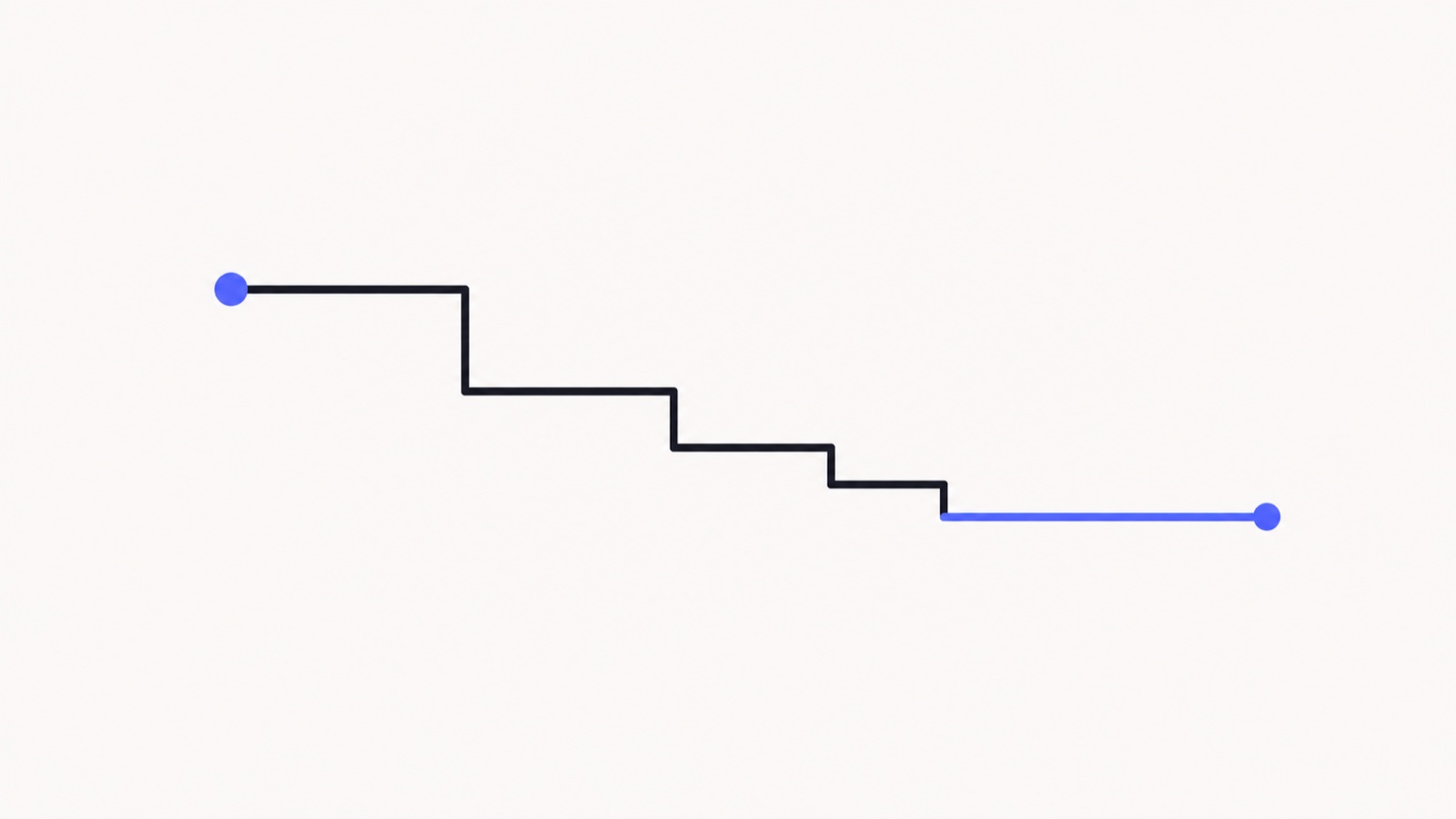
Rule 2: make the ask smaller each time
If "a 30-minute call" did not land, "a 15-minute call" is a better next step than repeating the original request more insistently. And if that does not land, "is this even the right quarter?" is better still — a yes/no question costs nothing to answer.
Shrinking the ask signals that you understand their time is constrained, which is precisely the impression that keeps you welcome.
Rule 3: widen the gaps
Three days, then five, then eight, then a fortnight. The same four messages compressed into a week reads as pressure; spread over a month it reads as someone doing their job properly.
Rule 4: give an explicit exit
Ending with a line that makes "no" easy raises reply rates rather than lowering them. "If this is not a priority right now, just say so and I will stop" removes the social awkwardness that was keeping the recipient silent.
It also does you a favour: a clear no is more valuable than an indefinite maybe, because it frees your attention for a live opportunity.
Rule 5: do not reference the tracking
This one is specific and important. If you can see the recipient opened your proposal four times, use that to choose when to send, never to write the message. "I noticed you have looked at this a few times" is unsettling, and it converts a small timing advantage into a trust problem you cannot recover from.
The correct use of engagement data is invisible to the recipient. They experience a well-timed email; they do not experience surveillance. We take this seriously enough that our AI drafts are constrained never to mention engagement in the body of a message.
Rule 6: change channel before you change frequency
If three emails have not landed, a fourth is unlikely to. A short message on LinkedIn, a call, or an email to a different person at the same company all have a better chance than continuing down the same path faster.
Rule 7: stop when told, immediately and permanently
A single "not interested" ends the sequence — no "just checking whether anything has changed" six weeks later. Continuing after an explicit no is how a mild irritation becomes a spam complaint, and spam complaints are a deliverability problem, not a manners problem. See why emails land in spam.
What the recipient actually experiences
Worth remembering that your careful four-touch sequence is, from the other side, four items in an inbox that receives a hundred. They are not tracking your cadence or resenting your persistence. Most of the time they simply have not got to it.
Which is the real argument for following up more than once, and for not agonising about it. The failure mode for most people is stopping too early, not going too far.
The close-out
I have sent a couple of notes about the migration work and not heard back — which usually means the timing is wrong rather than the idea. I will leave it there. If it becomes relevant later, reply to this and I will pick it straight up.
Sent honestly, this produces more replies than the messages before it, and it leaves the door open in a way that a slow fade does not. More on the timing of that decision in when to stop following up.
MailSenseAI helps with the part that is genuinely hard — knowing which threads are warm enough to be worth another message, and when. Free and unlimited, with no footer added to your emails.
See it in your own inbox
Know what happens after you hit send.
MailSenseAI shows opens, clicks, and replies in real time — right inside Gmail — so you follow up at the moment interest is highest.
Add to Gmail · free