Why Your Emails Land in Spam — and How to Fix Deliverability
Deliverability is the quiet killer of email performance. Your open rate, reply rate, and revenue all assume one thing: the email reached the inbox. When messages get filtered to spam, every other metric collapses and it is easy to blame the copy instead of the plumbing.
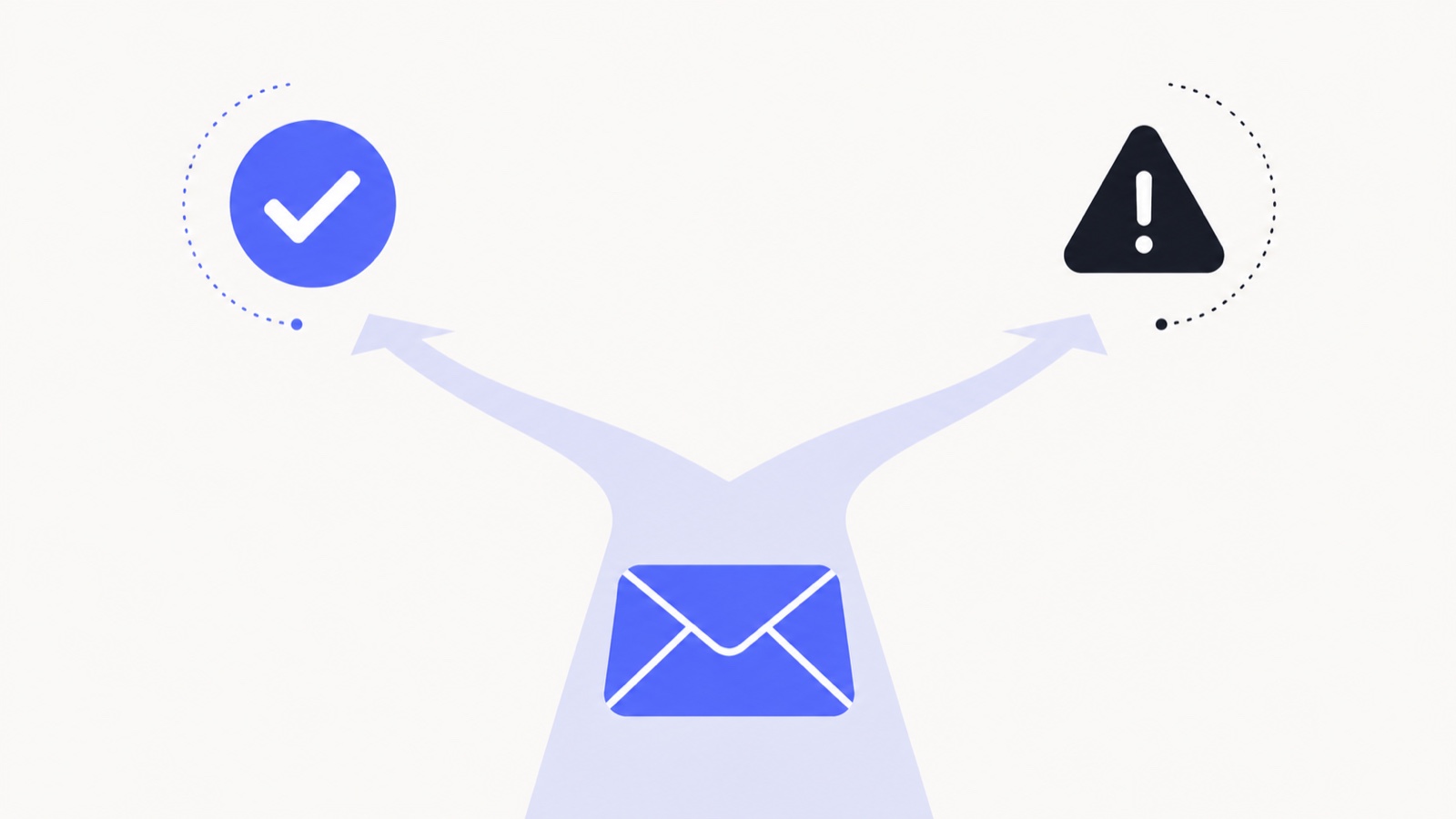
Spam filtering comes down to three questions the receiving server asks: Are you who you say you are? Do people want your email? And does this specific message look risky? Here is how to pass all three.
Are you who you say you are? (Authentication)
This is the foundation, and skipping it is the most common reason legitimate email gets junked. Set up all three records on your sending domain:
- SPF tells the world which servers are allowed to send on behalf of your domain.
- DKIM cryptographically signs your messages so receivers can verify they were not tampered with.
- DMARC ties the two together and tells receivers what to do if a message fails — and gives you reports on who is spoofing you.
Do people want your email? (Reputation)
Mailbox providers watch how recipients react to you and build a reputation score for your domain and IP. The signals that hurt you most:
- High bounce rate — sending to invalid addresses screams "purchased list." Verify addresses and remove hard bounces immediately.
- Spam complaints — even a small percentage of "mark as spam" clicks tanks your reputation. Make unsubscribing easy so people do that instead.
- Low engagement — if nobody opens or replies, providers assume nobody wants your mail. Prune inactive contacts.
- Spam-trap hits — old or scraped lists are full of trap addresses that instantly flag you as a spammer.
Warm up new domains and IPs
A brand-new sending domain has no reputation, and blasting thousands of emails on day one looks exactly like a spammer. Ramp volume gradually over 2–4 weeks, starting with your most engaged recipients so early signals are positive. If you send cold email, use a separate domain from your primary so a reputation hit never touches your main inbox.
Does this message look risky? (Content)
- Avoid spam-trigger words and formatting: "FREE," "guaranteed," "act now," ALL CAPS, and walls of exclamation marks.
- Keep a healthy text-to-image ratio — image-only emails are a classic spam signal.
- Do not hide links behind mismatched anchor text or use shady URL shorteners.
- Include a real physical address and a working unsubscribe link (it is the law in most places, and filters check for it).
- Send in plain, conversational language. Over-designed "marketing" templates get filtered harder than a normal-looking email from a person.
A quick note on tracking pixels
Open tracking uses a tiny invisible image, and clumsy implementations can hurt deliverability — a bloated tracking domain with a bad reputation, or a pixel that rewrites your links through a flagged redirect. A well-built tracker uses a clean domain and lightweight redirects so it is invisible to filters. If you want to understand exactly how that works, read How Email Open Tracking Works.
The 5-minute deliverability audit
- Check that SPF, DKIM, and DMARC all pass (send yourself a test and view the headers, or use a free auth checker).
- Send a test to a fresh Gmail, Outlook, and Yahoo address — where does it land?
- Review your bounce and complaint rates from the last 30 days.
- Remove every contact who has not engaged in 90+ days.
- Read your last campaign out loud — does it sound like a person or a billboard?
Deliverability is not a one-time fix; it is hygiene. One easy win is choosing a tracker that adds no footer to your emails, since an advertisement in your signature is one more thing a filter weighs. Get authentication right once, then keep your list clean and your content human, and you will spend a lot less time wondering why nobody is opening.
See it in your own inbox
Know what happens after you hit send.
MailSenseAI shows opens, clicks, and replies in real time — right inside Gmail — so you follow up at the moment interest is highest.
Add to Gmail · free