Why Your Emails Land in the Promotions Tab — and How to Get Out
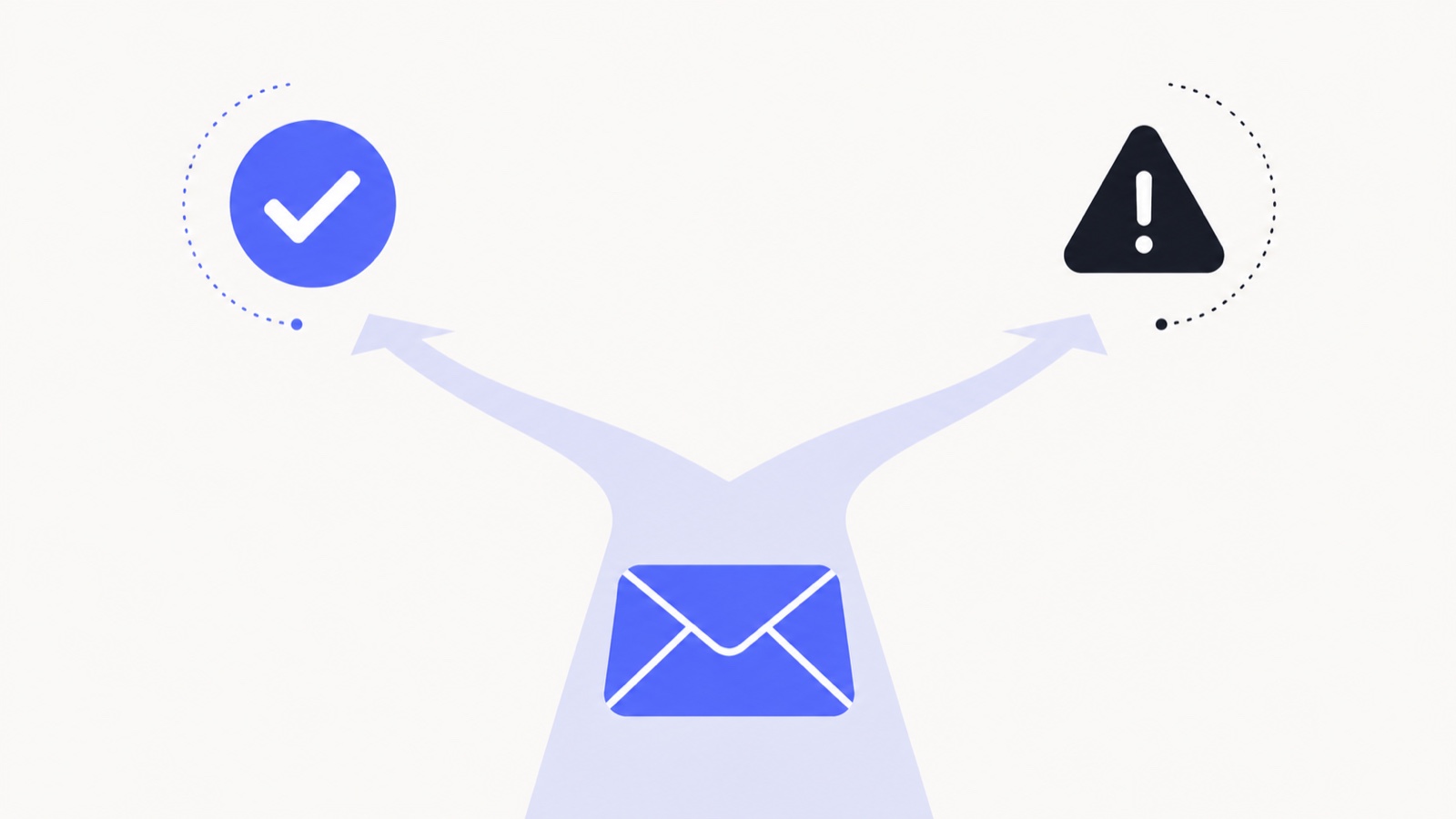
The Promotions tab is not a punishment. Gmail built it to keep commercial mail out of the way of personal correspondence, and for genuine newsletters it is arguably the correct destination — people who want them go looking. The problem is when a one-to-one business email ends up there, because nobody checks Promotions for a message from a person.
Gmail decides using content signals, sending patterns, and per-recipient behaviour. You control more of that than the folklore suggests, and less than the folklore promises.
What actually pushes a message to Promotions
- Bulk-mail markup. A
List-Unsubscribeheader is the single clearest "this is a mailing" signal. It is legally required for real bulk mail — but if a sales tool adds one to your one-to-one emails, you have told Gmail to categorise them. - Heavy HTML. Multi-column layouts, hero images, buttons styled as call-to-action blocks, background colours. Design that looks like a marketing template gets filed as one.
- Image-to-text ratio. A message that is mostly image with a few words reads as an advertisement.
- Promotional vocabulary. Discount, offer, free trial, limited time, exclusive, unsubscribe. One will not do it; a cluster will.
- Tracked links on unfamiliar redirect domains. Especially several of them, especially shortened.
- Sending pattern. The same message to many recipients in a short window looks like a campaign, because it is one.
What genuinely helps
- Send plain-looking mail. For one-to-one outreach, no template, no header image, no styled button. A message that looks like something a person typed gets treated like one.
- Cut the link count. One link is fine. Four, plus a tracked signature, plus a calendar widget, is a mailing.
- Drop the marketing header. If your tool is adding
List-UnsubscribeorPrecedence: bulkto genuinely individual emails, turn it off. - Ask for a reply, and get one. A reply is the strongest positive signal that exists. It reclassifies the whole conversation and often the sender.
- Send in smaller batches. Fifty near-identical messages in ten minutes is a pattern; the same fifty over two days is less so.
- Authenticate properly. SPF, DKIM and DMARC will not by themselves get you into Primary, but their absence makes every other signal count against you. See the setup guide.
What does not work
A surprising amount of standard advice is superstition, repeated because it is easy to repeat.
- Asking recipients to drag you to Primary. It works for that one person, and only that person. It does not generalise, and putting the request in the email is itself a promotional-looking move.
- Removing every image. Ratio and layout matter; a single inline logo does not doom you.
- Avoiding the word "free". Vocabulary is a weak signal considered in aggregate. A natural sentence containing "free" is not the problem.
- Switching to a new domain. This resets your reputation to unknown, which is worse than a mediocre known reputation, and looks evasive.
- Removing tracking entirely. A single first-party pixel is not why you are in Promotions. See does email tracking affect deliverability for the actual mechanics.
How to find out where you actually land
You cannot see a recipient’s tabs, so you have to infer. The most practical method is a small set of seed accounts — a personal Gmail, a Workspace account on another domain, an Outlook address — that you send a genuine copy of the campaign to and check by hand. It is unglamorous and it is the only method that tells you the truth.
Open tracking gives you a useful secondary signal. A sudden collapse in open rate for one provider while others stay flat is a strong hint that something changed in filtering rather than in your copy. That kind of segment-level drop is the subject of why your open rate dropped.
When Promotions is fine
If you send an actual newsletter, stop fighting it. Subscribers who want your newsletter find it, and mail that belongs in Promotions but claws its way into Primary generates the complaints that eventually land you in spam — a far worse outcome.
Reserve the effort for one-to-one email, where the tab genuinely costs you the conversation — and make sure the tool you use to track it is not adding promotional text of its own. And if you are not sure whether your outreach is even being delivered, the broader diagnosis is in why emails land in spam and the deliverability checklist.
See it in your own inbox
Know what happens after you hit send.
MailSenseAI shows opens, clicks, and replies in real time — right inside Gmail — so you follow up at the moment interest is highest.
Add to Gmail · free