Why Free Email Trackers Put a Signature on Your Emails
You install a free email tracker, send your first tracked email, and then notice it: a small line under your sign-off announcing which product you are using. It is not a bug, and it is not a technical requirement of tracking. It is the entire reason the free plan exists.
The loop, stated plainly
A free email tracker with a branded signature is running one of the most efficient growth loops in software:
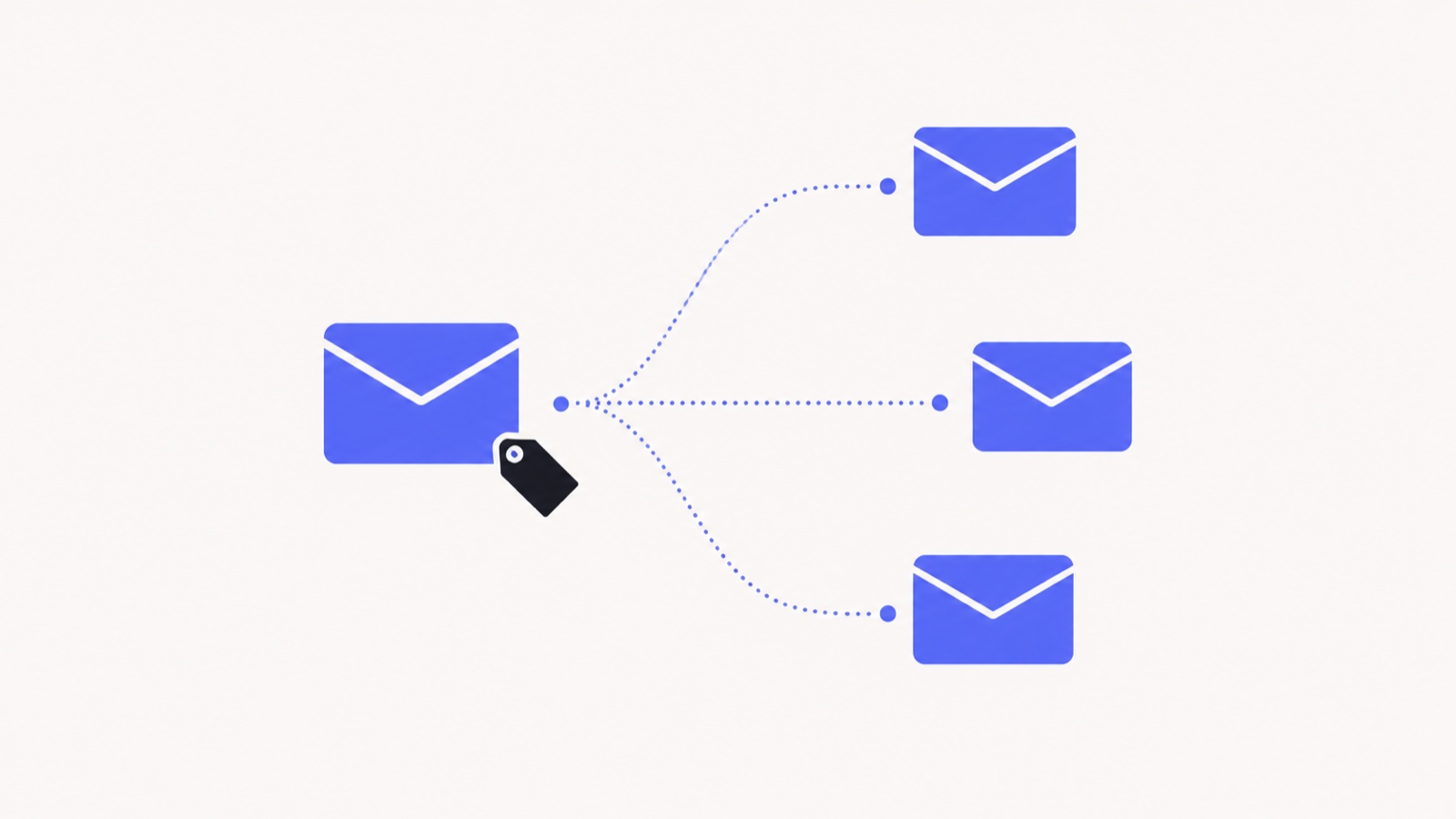
- A free user sends an email. The signature advertises the product to the recipient — a person who, by definition, uses email.
- Some fraction of those recipients install it. They are now free users, sending branded emails to their own contacts.
- The users who care about how their email looks — the ones sending proposals, applications, and client work — upgrade specifically to remove the line.
Every free send is both a marketing impression and a conversion prompt. Nothing else in the product has to work that hard. It is genuinely clever, and it is how the best-known tracker in this category became the best-known tracker in this category.
The signature is the paywall
This is the part worth sitting with. On most of these tools, the cheapest paid plan is not primarily selling you more tracking, better analytics, or higher limits. It is selling the absence of something the tool added to your email in the first place.
Mailsuite — the current name for Mailtrack — lists “Promotional Signature Removal” as a paid feature on its own pricing page, with paid plans starting at $4.99/month as of August 2026. Its free plan is otherwise fairly generous on volume, but caps you at the first open only and ten emails of link tracking. Full numbers in our Mailtrack comparison and Mailsuite comparison.
What the signature actually costs you
It changes the email you wrote
A proposal that ends with someone else’s advertising is not the document you drafted. On a pitch, a client update, or a job application, the last line before your name is prime real estate and it is doing work against you.
It discloses tracking — clumsily
There is a real argument for telling recipients that a thread is tracked, and some teams are required to. But that should be a deliberate choice with wording you control, not a vendor advertising itself under your name. MailSenseAI ships an optional consent footer for exactly this reason: off by default, on if you want it, written as disclosure rather than as marketing.
It comes back if you stop paying
The branding is not removed, it is suppressed while you subscribe. Downgrade and it returns to every email you send. A tool that never added one has nothing to reinstate.
It signals the wrong thing to the reader
Recipients who recognise the signature know two things instantly: that you are tracking them, and that you are on the free plan. Neither helps you, and on a cold outreach email the combination is worse than no tracking at all.
What we gave up to not do it
It would be dishonest to present the no-signature position as costless. That loop is the most effective distribution a product in this category can have, and refusing it means every install has to be earned through search, reviews, and word of mouth instead. We chose that trade deliberately and wrote the commitment down, with a date on it, on the no-footer pledge page.
The way it is paid for instead: tracking is cheap to run, so opens, clicks, and replies are unlimited and free forever, and Pro at $5/month buys unlimited AI follow-up drafts plus the deeper analytics. The free plan is free because we charge for AI, not because we advertise in your emails. Full breakdown on pricing.
How to check before you install
- Read the free plan row, not the homepage. Branding is a free-tier behaviour; the marketing site rarely mentions it.
- Look for "signature removal" or "remove branding" in the paid feature list. If removing it is a feature, adding it is the plan.
- Send yourself a test email from a second address and read it as the recipient sees it, on mobile as well as desktop.
- Check what happens on downgrade if you are trialling a paid tier.
We did that comparison across the eight most-used Gmail trackers — free-plan limits, signature behaviour, and cheapest paid plan, each read from the vendor’s own pricing page — on the alternatives page. If you only care about the signature question, email tracker without a signature is the short version.
The takeaway
The line at the bottom of your tracked emails is not the price of tracking. It is the price of that particular company’s growth strategy, paid by you, in the currency of how your email looks to the person you are trying to persuade. There are trackers that do not charge it — and if you want opens, clicks, and replies with nothing appended to your message, that is what MailSenseAI is.
See it in your own inbox
Know what happens after you hit send.
MailSenseAI shows opens, clicks, and replies in real time — right inside Gmail — so you follow up at the moment interest is highest.
Add to Gmail · free